Programs Filter
The Programs Filter allows advisors to identify students by major, career, declared/undeclared programs, certified (graduated) students, and whether one or more of their declared programs audits is available in Stellic. The fields include:
- Programs: Academic plan (majors, minors, etc.)
- Catalog Year: Choose a catalog year if you need to narrow your search to only students in that catalog year of the program
- Program levels: Career of the student's academic plan
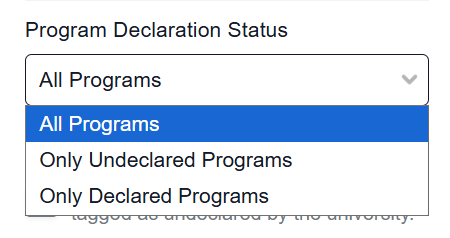
- Program declaration status: Declared or undeclared
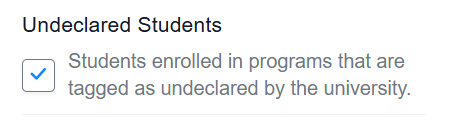
- Undeclared students: Filter currently not used by UNL
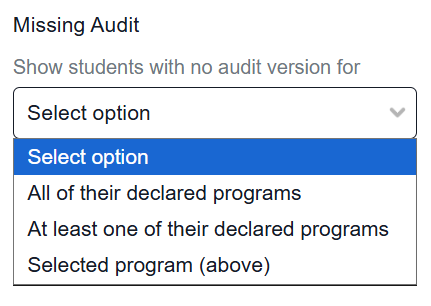
- Missing audit: Student has a declared program without an audit built
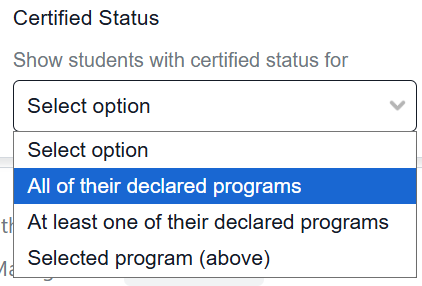
- Certified status: Students with programs that are certified as complete and awarded
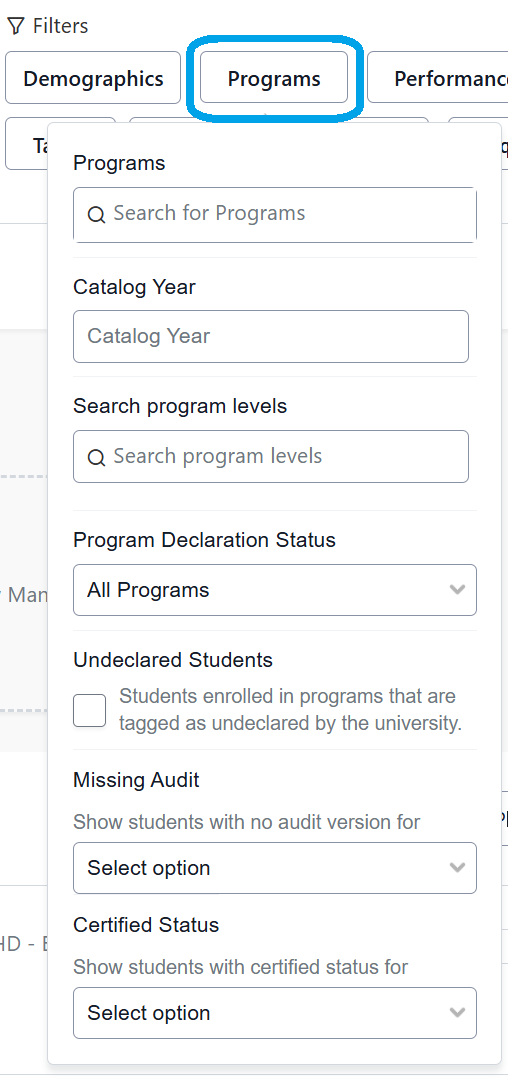
Programs Filter Fields
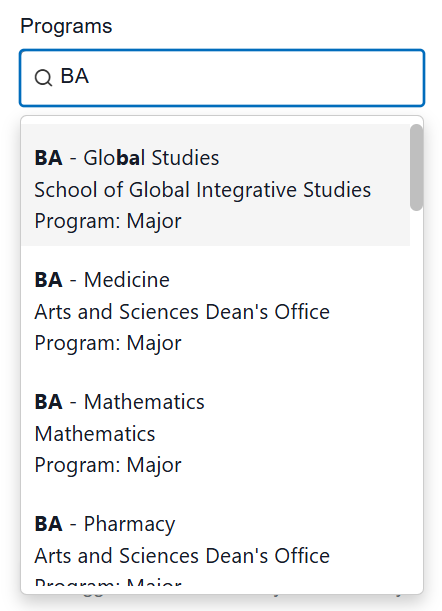
Programs: Enter a specific major, minors, or course of study. The type-ahead feature can assist in selecting the program. Example: BA - Global Studies
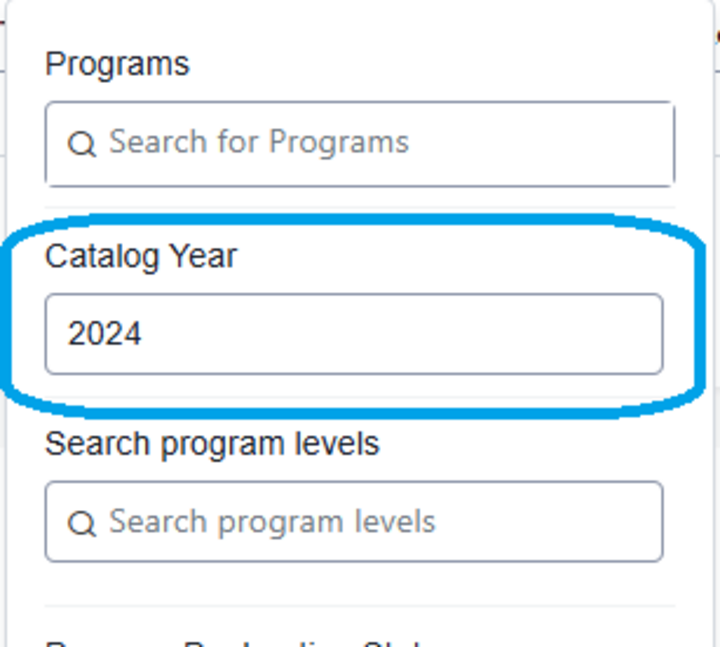
Catalog Year: Further specify which students you are looking for by typing in a specific catalog year.
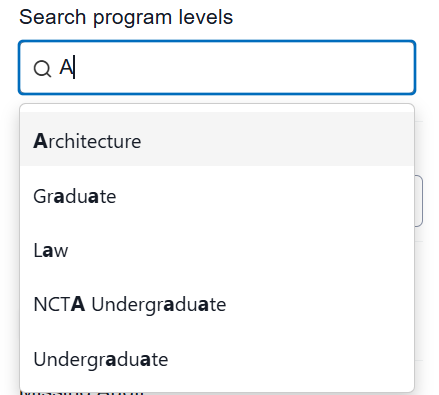
Program Levels: Choose a program level: Architecture, Graduate, Law, NCTA Undergraduate, Undergraduate. The type-ahead feature can assist in selecting the program level. Also known as careers in MyRED.
Program Declaration Status: All Programs, Only Undeclared Programs, Declared Programs.
Undeclared Students: Students enrolled in programs that are tagged as undeclared by the university.
Missing Audits: Select Option - All of their declared programs, At least one of their declared programs, Selected program (above).
Certified Status: Select Option - All of their declared programs, At least one of their declared programs, Selected program (above).