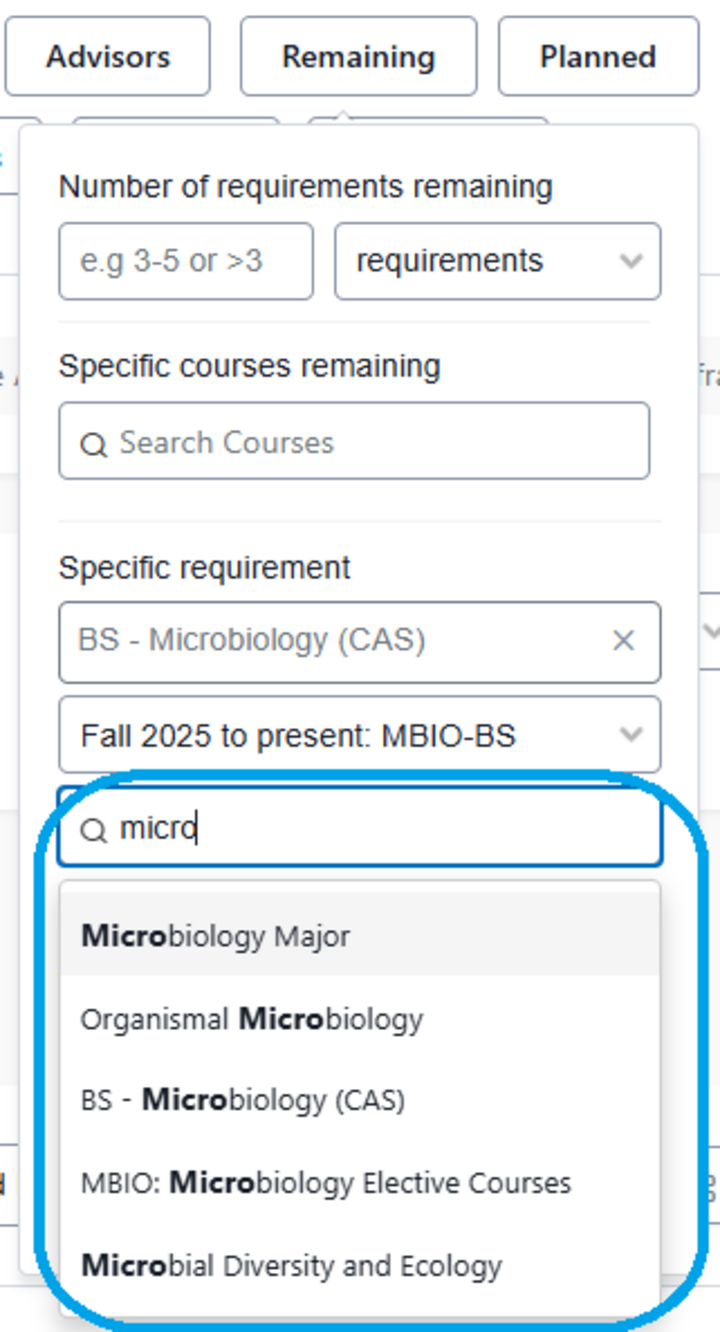
Remaining Filter
The Remaining Filter allows advisors to identify students based on credits or requirements remaining. The fields include:
- Number of requirements remaining: unfulfilled credits or requirements
- Specific courses remaining: one or more specific courses remaining
- Specific requirement: unfulfilled requirements by program and version
- Audit Version: remaining requirements on official or planned audits
- Program Level: Architecture, Graduate, Law, NCTA Undergraduate, or Undergraduate
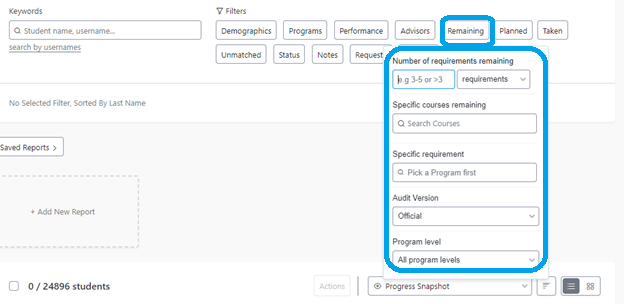
Not all of the filters in Remaining can be combined.
Specific requirement
The Specific Requirement filter allows you to find students who have not yet completed a specific requirement. The most effective way to search for requirements is to start by first typing in the Program name into the specific requirement search box.
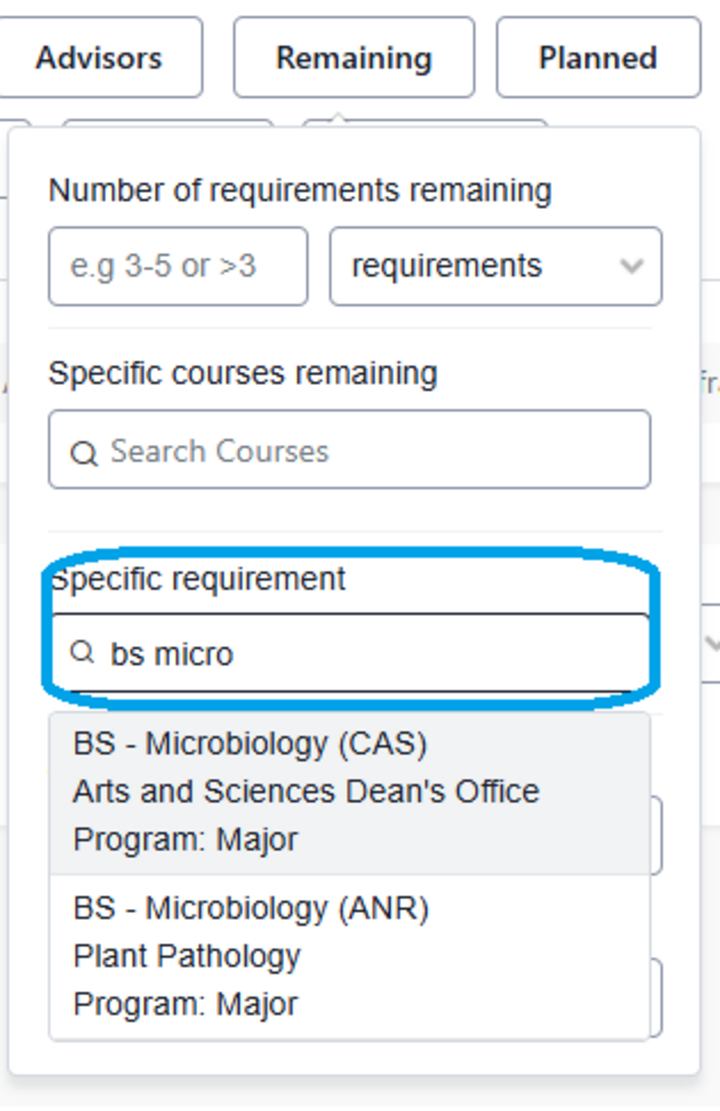
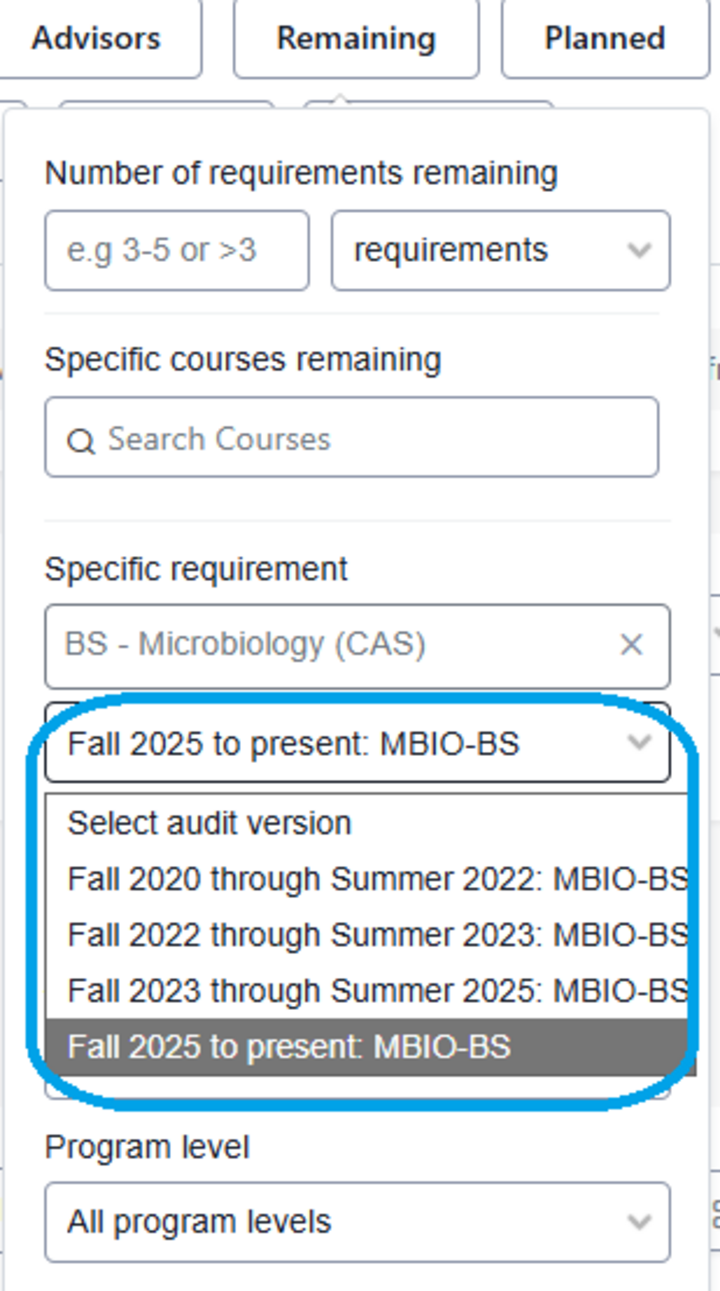
Once you have selected the Program, choose an Audit version.
Finally, type in all or part of the name of the requirement you are searching for and choose the specific requirement.