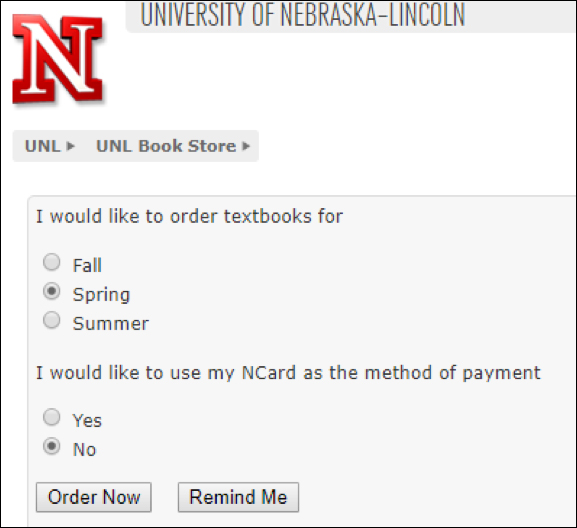
How to View or Order Textbooks in Stellic Scheduler
Class Fees are additional fees that departments add to sections to help deliver the course. It is important to know how to see these fees so that you are not surprised by your bill later on.
Open Course Details
Search for a course or click on a course under the My Courses left-hand panel, which will open the right-hand Course Details panel.
Scroll down to the Sections area. Each section can be clicked on which will expand and include the section details.
Review Textbook Information
Find the View Textbook Information link and select it.

This will now display your course material information. If the course materials are a clickable link, you can click them to have it take you to the bookstore website so you can see the course materials and order them.

Viewing or Ordering Textbooks in MyRED
Click the Textbook Online Ordering button on the Enrollment tab in MyRed.
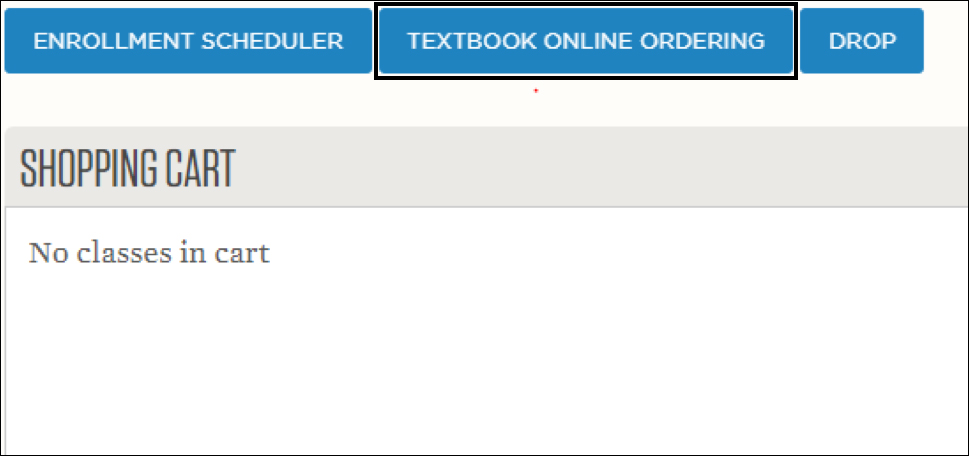
Clicking on the function will bring you to the Book Store page.