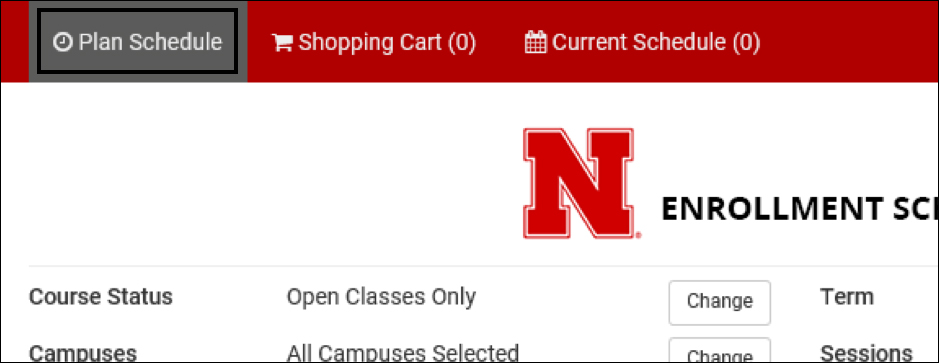
You can begin planning your schedule on the Plan Schedule Tab. If it is gray, as shown below, you are already on that tab.
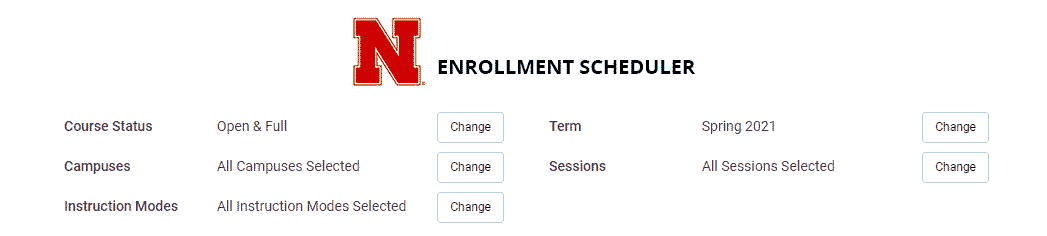
Here are some filters that can be edited during the planning process.
*Note: These filters can be adjusted at any time throughout the course selection process.
Here is a quick video on how to use filters.
The Online Distance instruction methods are asynchronous, meaning they do not have a set time to meet for class. The Web Conferencing instruction method is synchronous, meaning you will need to meet at a certain time with your instructor and class using a platform like Zoom. More info can be found at How to Choose Courses.
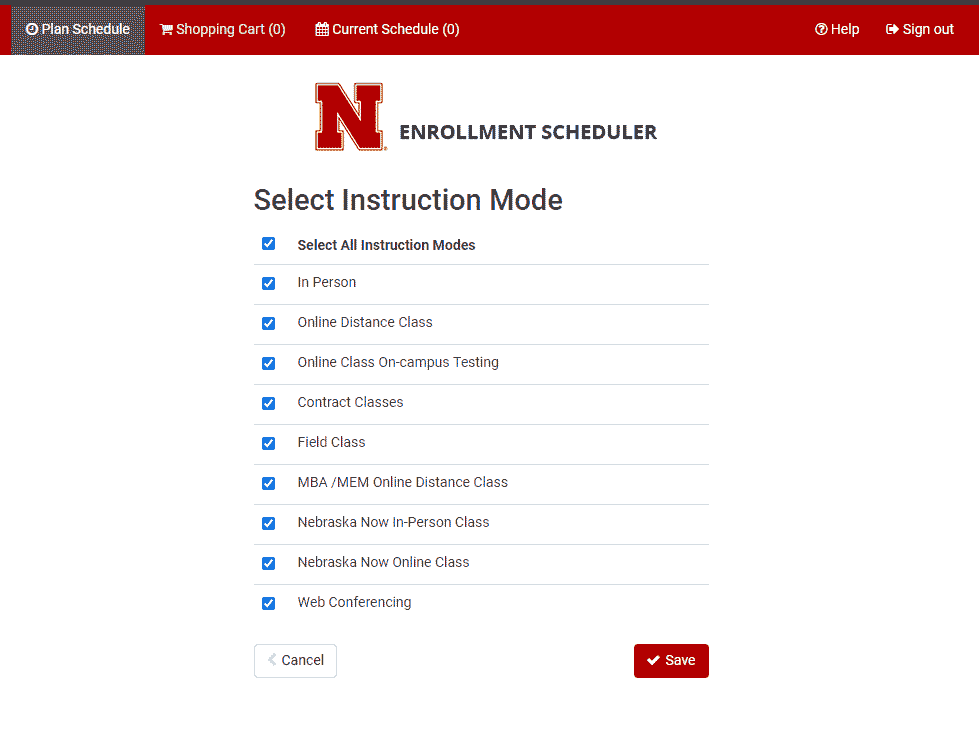
Once your filters are set, you can begin Adding Courses and Adding Breaks.
